Garmin watch
Your next flight, on your wrist
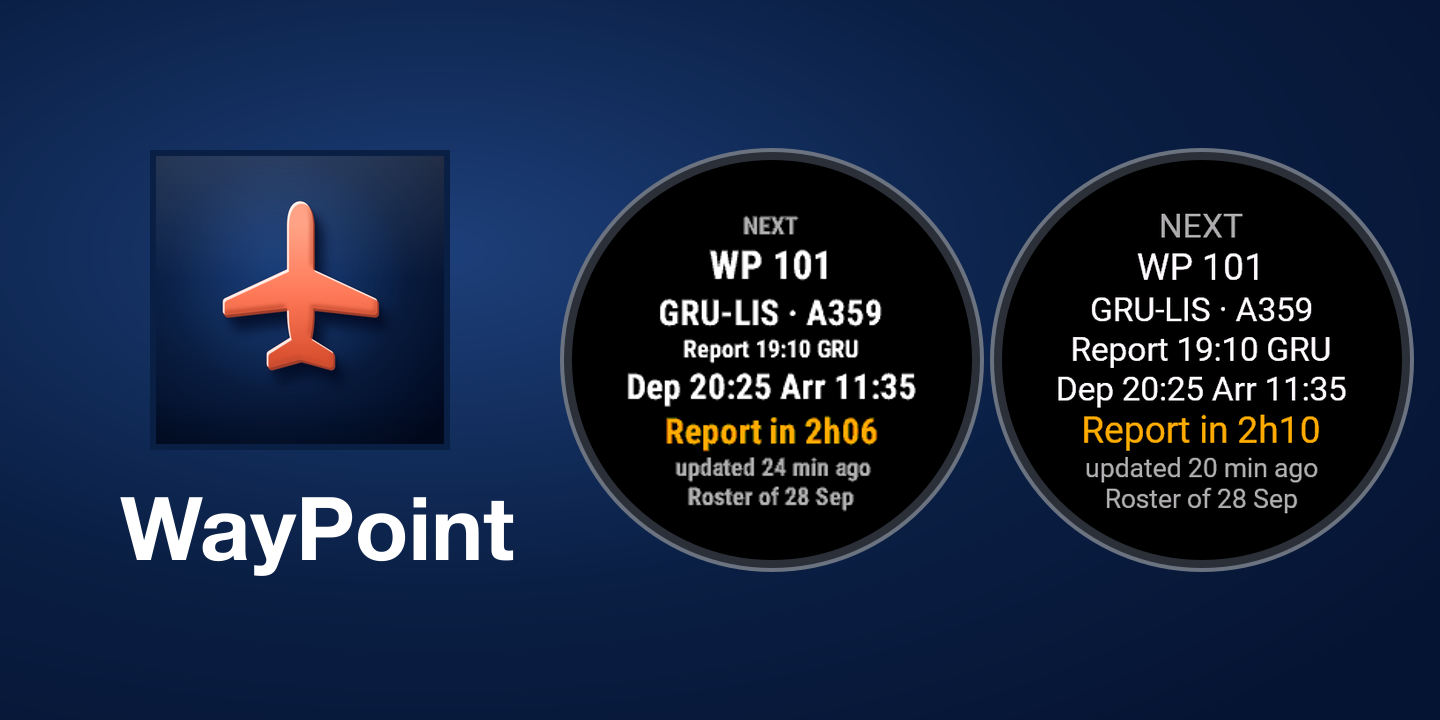
WayPoint – Crew Roster shows your next duties from the roster you uploaded to WayPoint: flight number and route, report time, departure and arrival, and how long is left. The countdown runs on the watch itself, so it keeps working in airplane mode.
How to install
Upload your roster to WayPoint and have Garmin Connect on your phone: the watch reaches WayPoint through it. There is no separate WayPoint phone app to install.
Install WayPoint – Crew Roster from the Connect IQ Store, then sync your watch.
On the watch, open WayPoint and press START: it shows a 6-digit code.
On WayPoint, go to Settings > Tools > Garmin watch, tap Connect and type the code.
The watch receives flight numbers, airports, times and aircraft type. No names, no crew list and no hotel are sent to it.
An aid, not a primary source: always check your official roster.